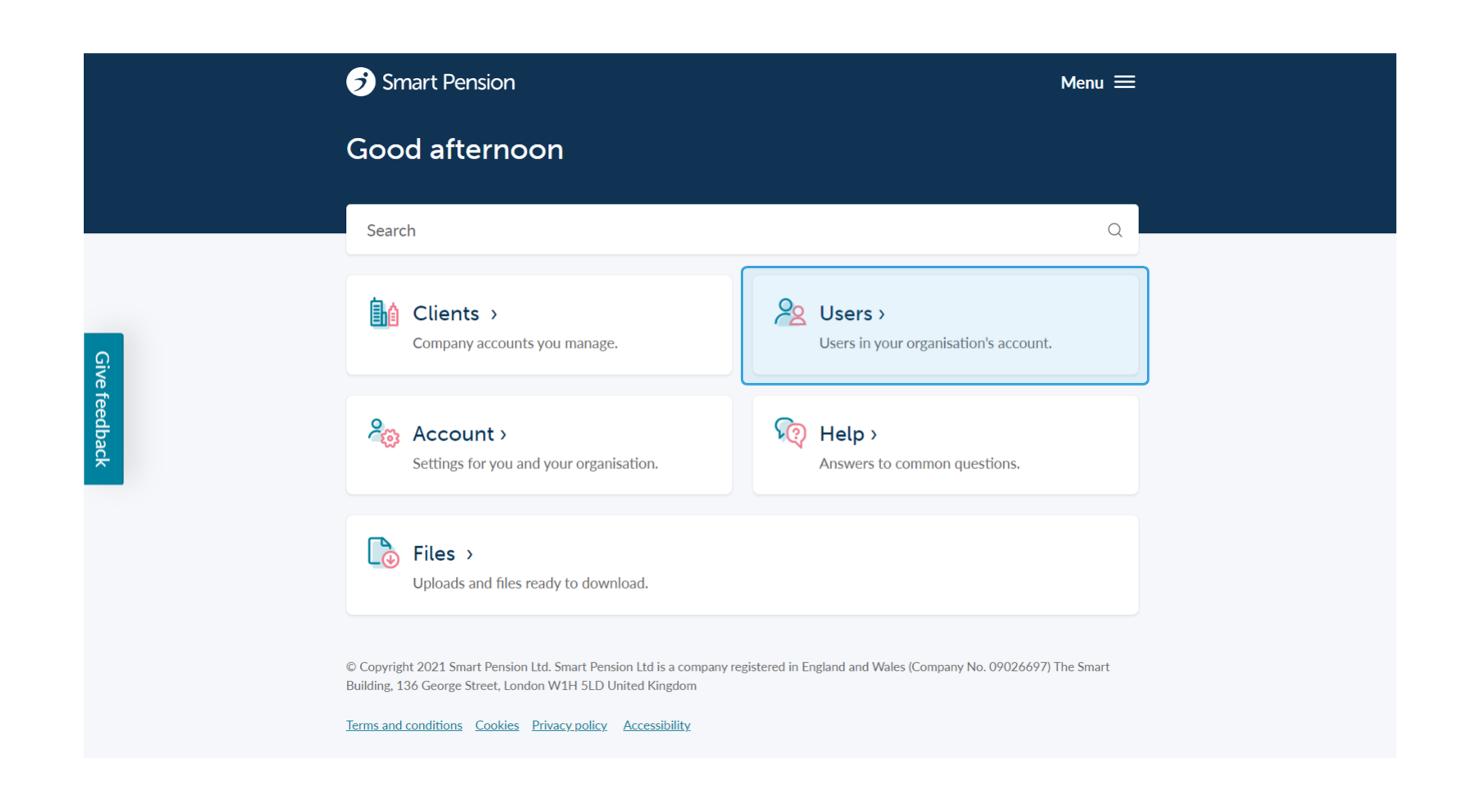
1. To edit an existing user's details head to the Home page and then click the Users option, pictured below.
2. From here you will see a full list of users who can access your adviser account, pictured below.
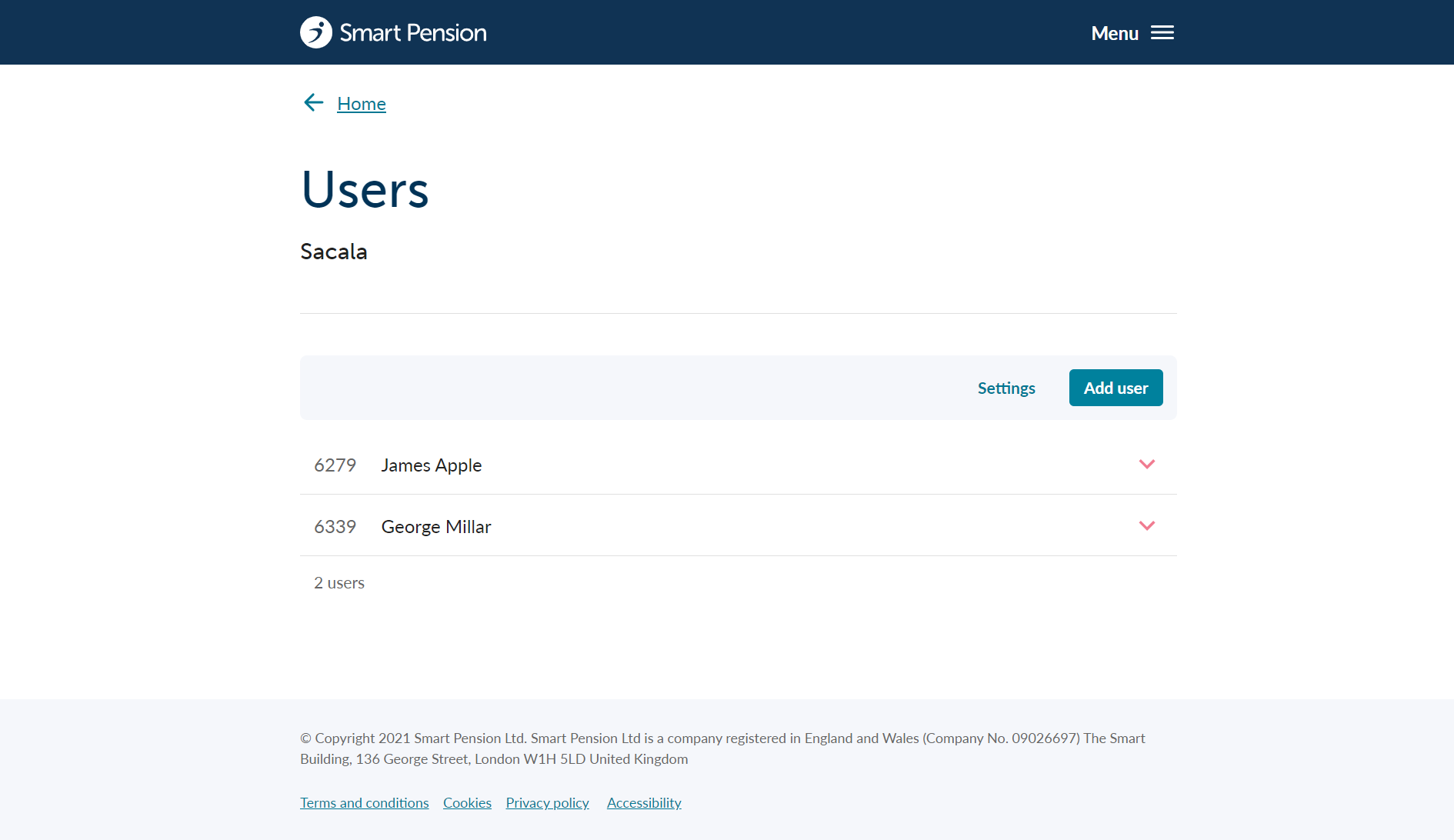
3. To edit an existing user, begin by expanding the user details and then clicking the Edit button.

4. This will bring you to a form containing the user's current details which can then be edited.
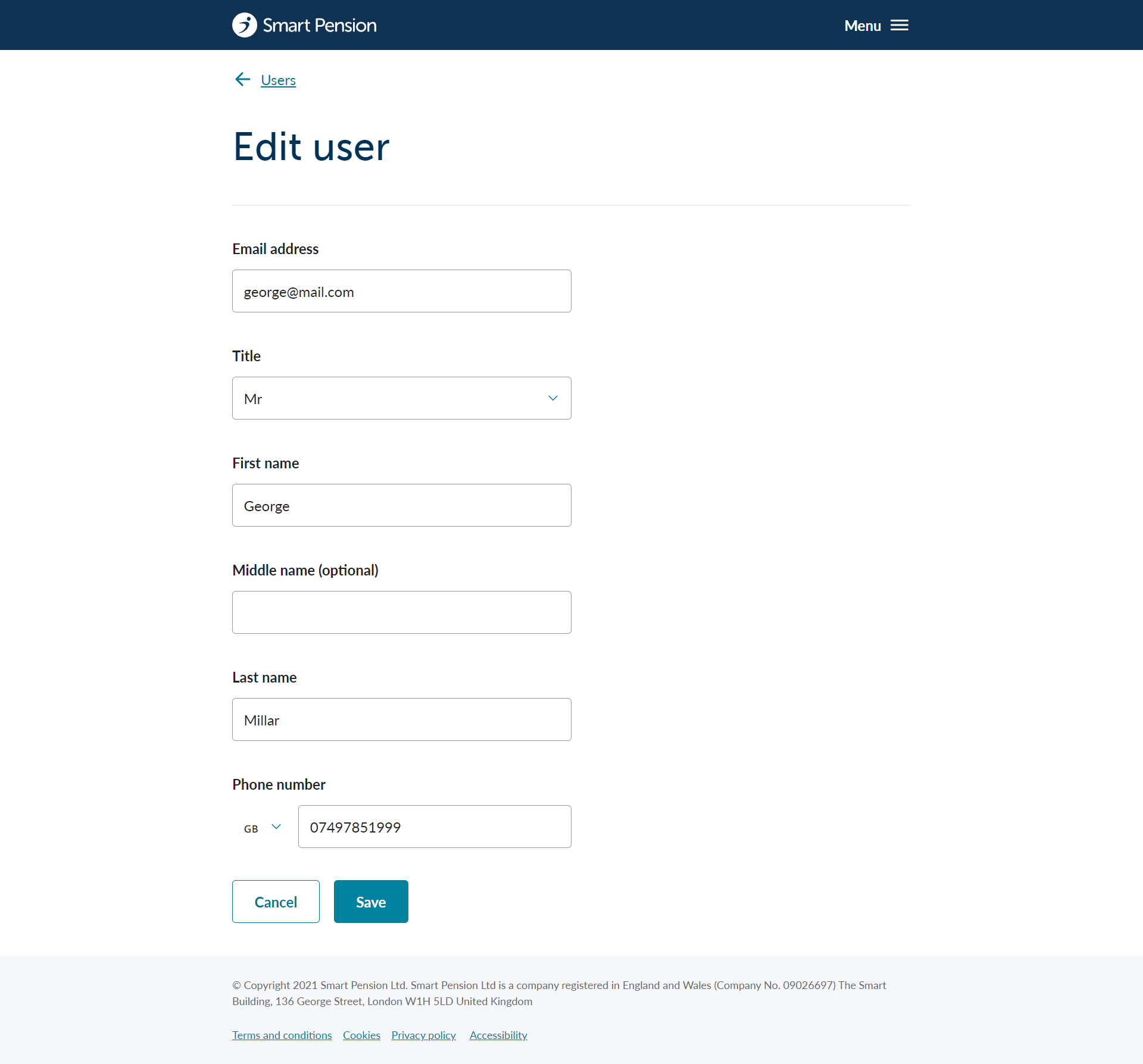
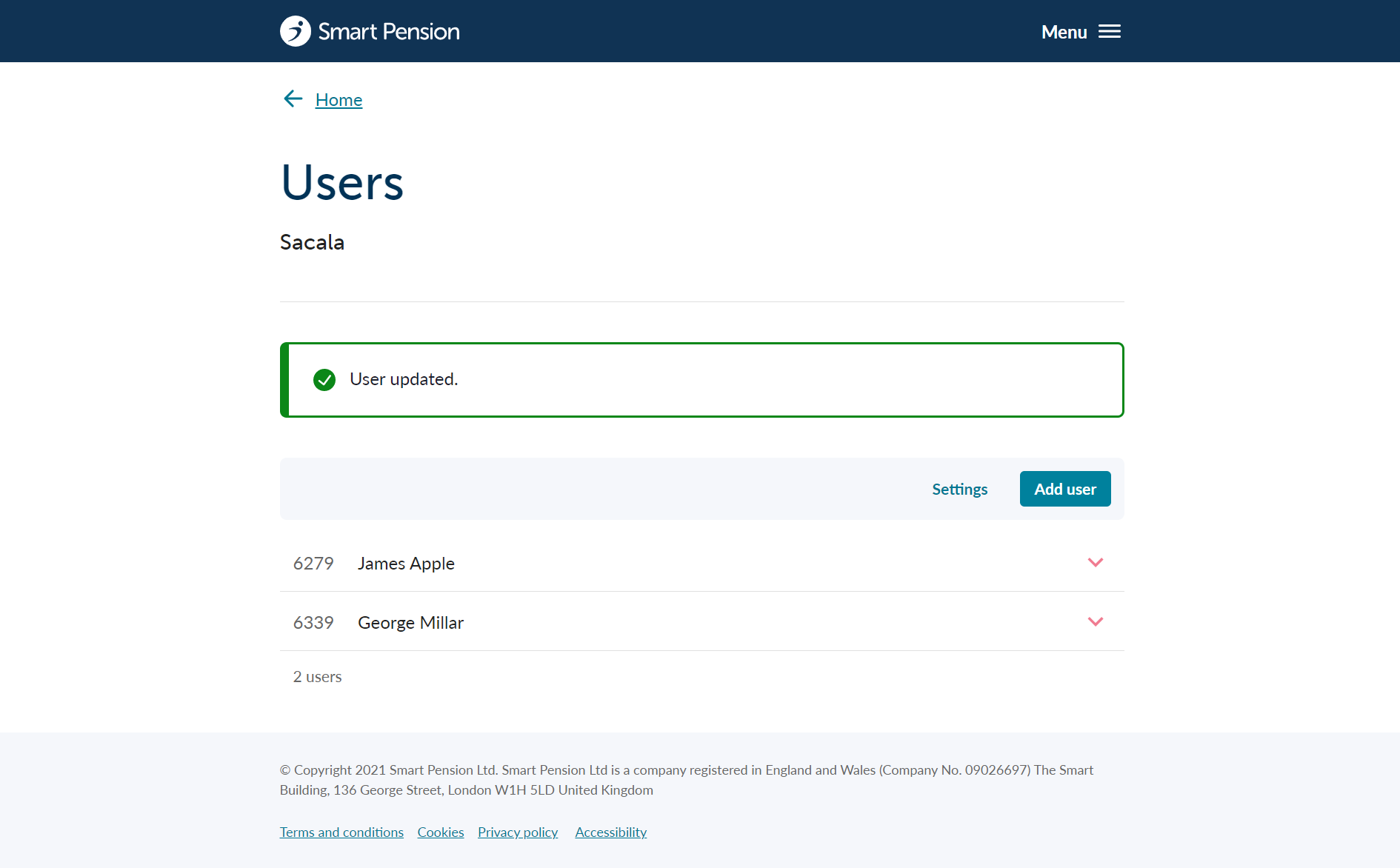
5. Once finished, click the Save button at the bottom of the form and the new changes will be saved.
Lorem ipsum dolor sit amet elit
Lorem ipsum dolor sit amet, consectetur adipiscing elit, sed do eiusmod tempor incididunt ut labore et dolore magna aliqua. Ut enim ad minim veniam, quis nostrud exercitation ullamco laboris nisi ut aliquip ex ea commodo consequat. Duis aute irure dolor in reprehenderit in voluptate velit esse cillum dolore eu fugiat nulla pariatur.