Your account name is the unique reference we use for your Company.
If you have forgotten your account name, you can type in the email address you use with your Smart Pension account and we will email you a link to log in with.
The page looks like this below. Click here to find your account name.
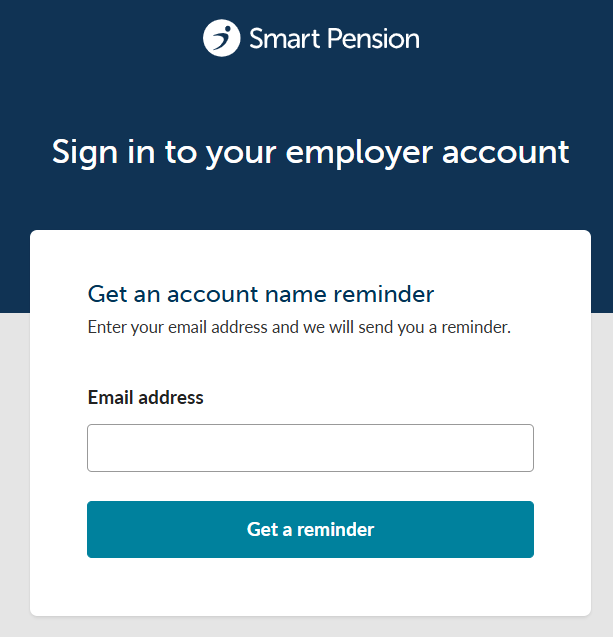
NB - please make sure you use the email address associated with your Smart Pension account. For security reasons we can't email you instructions to an email address we don't already have saved to your account.
Once you receive the email from us, click the link and you can then sign into your account with your usual email address and password.
Administrators and signatories can change the account name
If you are the administrator of your Smart Pension account, you can amend the account name within the company details section of your account
Company pension schemes created before November 2016
We introduced company account names to the website address for your Smart Pension account in November 2016. If your Smart Pension account was created before this date, you will have been emailed a link to your unique website address.
The link in that email will include your account name, which would likely be a number rather than your company name. This will work in exactly the same way. Click the link and sign in as usual.
Lorem ipsum dolor sit amet elit
Lorem ipsum dolor sit amet, consectetur adipiscing elit, sed do eiusmod tempor incididunt ut labore et dolore magna aliqua. Ut enim ad minim veniam, quis nostrud exercitation ullamco laboris nisi ut aliquip ex ea commodo consequat. Duis aute irure dolor in reprehenderit in voluptate velit esse cillum dolore eu fugiat nulla pariatur.