Help centre
List your employees
To list the employees in your pension scheme:
- Sign into your Smart Pension employer account
- Click Menu from the top-right hand corner, then Scheme Setup
- On the Scheme Setup page, click Employees
- Select View employee list
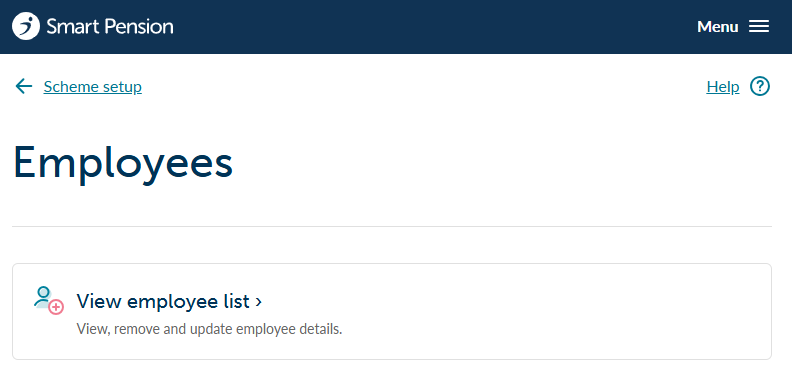
You'll now see a list of the employees for your pension scheme.
On employee page you can:
- create new employee records
- access individual employee details
- bulk update percentages
- postpone employees joining the scheme
Lorem ipsum dolor sit amet elit
Lorem ipsum dolor sit amet, consectetur adipiscing elit, sed do eiusmod tempor incididunt ut labore et dolore magna aliqua. Ut enim ad minim veniam, quis nostrud exercitation ullamco laboris nisi ut aliquip ex ea commodo consequat. Duis aute irure dolor in reprehenderit in voluptate velit esse cillum dolore eu fugiat nulla pariatur.