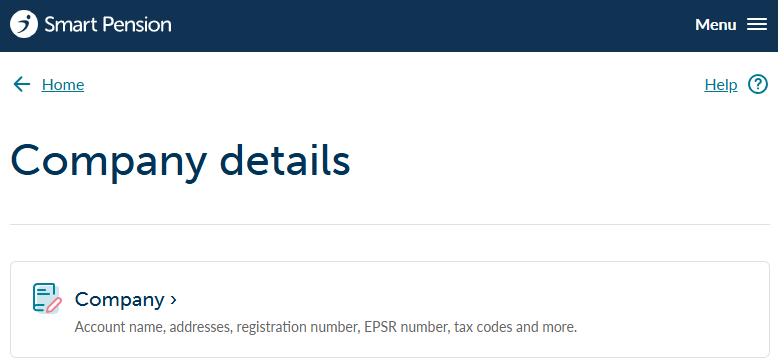
You can view and update details we have on record for your business from the following page:
Updating your company details
Use the instructions below to update your company details.
1 - Sign in to your account and go to Company Details, then Company
2 - Select Edit company details

The next screen will show your company details which can be edited in order to keep information up to date.
3 - Complete fields
Please complete all fields, adding any missing details.
4- Update
Finally, press the Save company details button to save your changes.
Permanent Details
The last two fields on this page (ID and EPSR) are permanent, and are used to identify your company. You may need these to complete forms such as your declaration of compliance.
Lorem ipsum dolor sit amet elit
Lorem ipsum dolor sit amet, consectetur adipiscing elit, sed do eiusmod tempor incididunt ut labore et dolore magna aliqua. Ut enim ad minim veniam, quis nostrud exercitation ullamco laboris nisi ut aliquip ex ea commodo consequat. Duis aute irure dolor in reprehenderit in voluptate velit esse cillum dolore eu fugiat nulla pariatur.