Your account name is a name or number we use to identify the employer who enrolled you in a Smart Pension scheme.
You can find your account name at the top of most emails we've sent you. It also makes up the first part of the URL you see when you're signed in to your account.

If you don't know your account name, click on Forgotten your account name? on the member sign in page.
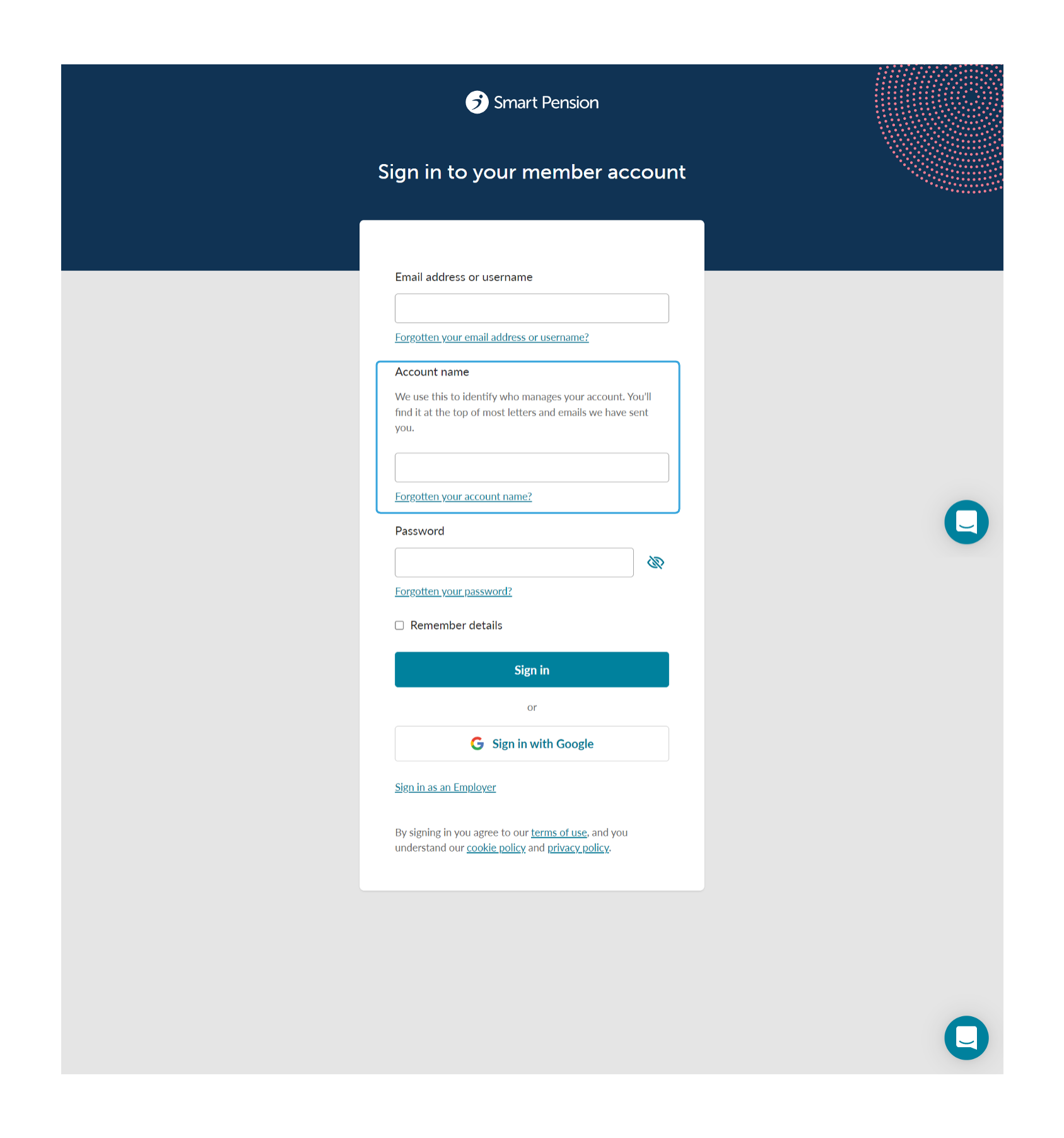
On the "Get an account name reminder" page enter your email address and click on Get a reminder, and we'll send you a link which will automatically populate the Account Name field on the sign in page
Can I change my account name?
If you're a member, your account name is connected to the company that enrolled you with Smart Pension, and you can't change it.
Related articles
Lorem ipsum dolor sit amet elit
Lorem ipsum dolor sit amet, consectetur adipiscing elit, sed do eiusmod tempor incididunt ut labore et dolore magna aliqua. Ut enim ad minim veniam, quis nostrud exercitation ullamco laboris nisi ut aliquip ex ea commodo consequat. Duis aute irure dolor in reprehenderit in voluptate velit esse cillum dolore eu fugiat nulla pariatur.